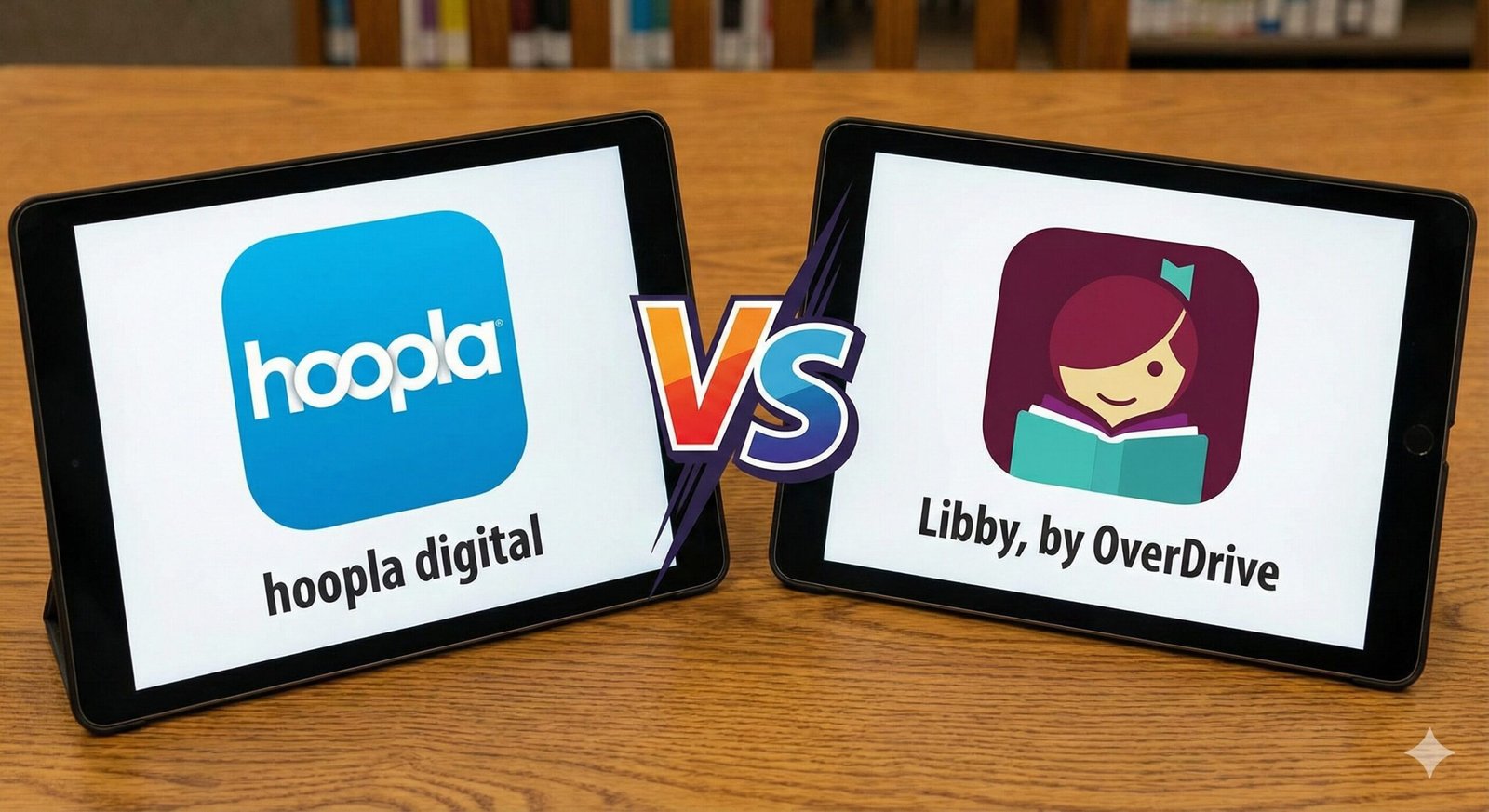
Hoopla vs. Libby: Which Library App Reigns Supreme in 2026?
Gone are the days when visiting the library meant rushing to a building before 5 PM to return a stack of physical books. The modern public library is digital, open 24/7, and lives right in your pocket. But if you have signed up for a library card recently, you were likely presented with two confusing options: Libby (by OverDrive) and Hoopla Digital.
Both apps allow you to borrow ebooks and audiobooks for free. Both connect to your local library. Yet, they function in fundamentally different ways. One feels like a traditional library where you must wait your turn; the other feels like a streaming service with limits.
In this comprehensive 2026 comparison, we break down the battle of Hoopla vs. Libby. We will analyze their lending models, device compatibility (especially for Kindle users), and media selection to help you decide which icon belongs on your home screen.
Quick Comparison Chart
Short on time? Here is the high-level breakdown of the two platforms.
| Feature | Libby (OverDrive) | Hoopla Digital |
|---|---|---|
| Lending Model | One Copy/One User (Holds) | Cost Per Circ (Instant Access) |
| Wait Times | Yes (Can be weeks) | None (Always Available) |
| Monthly Limits | Based on Loans (e.g., 10 at once) | Based on Borrows (e.g., 5 per month) |
| Kindle Support | Yes (Send to Kindle – US Only) | No (App reading only) |
| Content Types | Books, Audiobooks, Magazines | Books, Audio, Movies, Music, Comics |
The Core Difference: Holds vs. Instant Access
To understand why these apps differ, you have to understand how they charge your library.
Libby mimics a physical library. If your library buys 5 digital licenses of the latest Stephen King novel, only 5 people can read it at once. Everyone else must join a “Hold List.” This model allows libraries to control their budget by purchasing specific titles upfront.
Hoopla operates on a “Cost Per Circulation” model. The library pays a fee (usually $0.99 to $3.99) every time a user borrows a title. Because the library pays on demand, there are unlimited copies available. You never have to wait. However, to prevent bankrupting the library, they place a hard cap on how many items you can borrow per month (usually between 4 and 10).
Deep Dive: Libby (The Polished Bookshelf)
Libby is the successor to the old OverDrive app, and it is beautiful. The interface is sleek, colorful, and designed specifically for book lovers. It excels at curation, often featuring lists hand-picked by your local librarians (e.g., “Summer Reading Picks” or “Mystery Thrillers”).
The Pros:
- Best for Bestsellers: Libraries prioritize their budget for Libby to buy the newest hits.
- The “Shelf”: You can manage loans from multiple library cards in one unified shelf.
- Customization: Excellent e-reader settings, including dark mode, sepia, and dyslexic-friendly fonts.
The Cons:
- The Wait: Popular books can have wait times of 6 months or more.
- No Multimedia: Strictly books, audiobooks, and magazines.
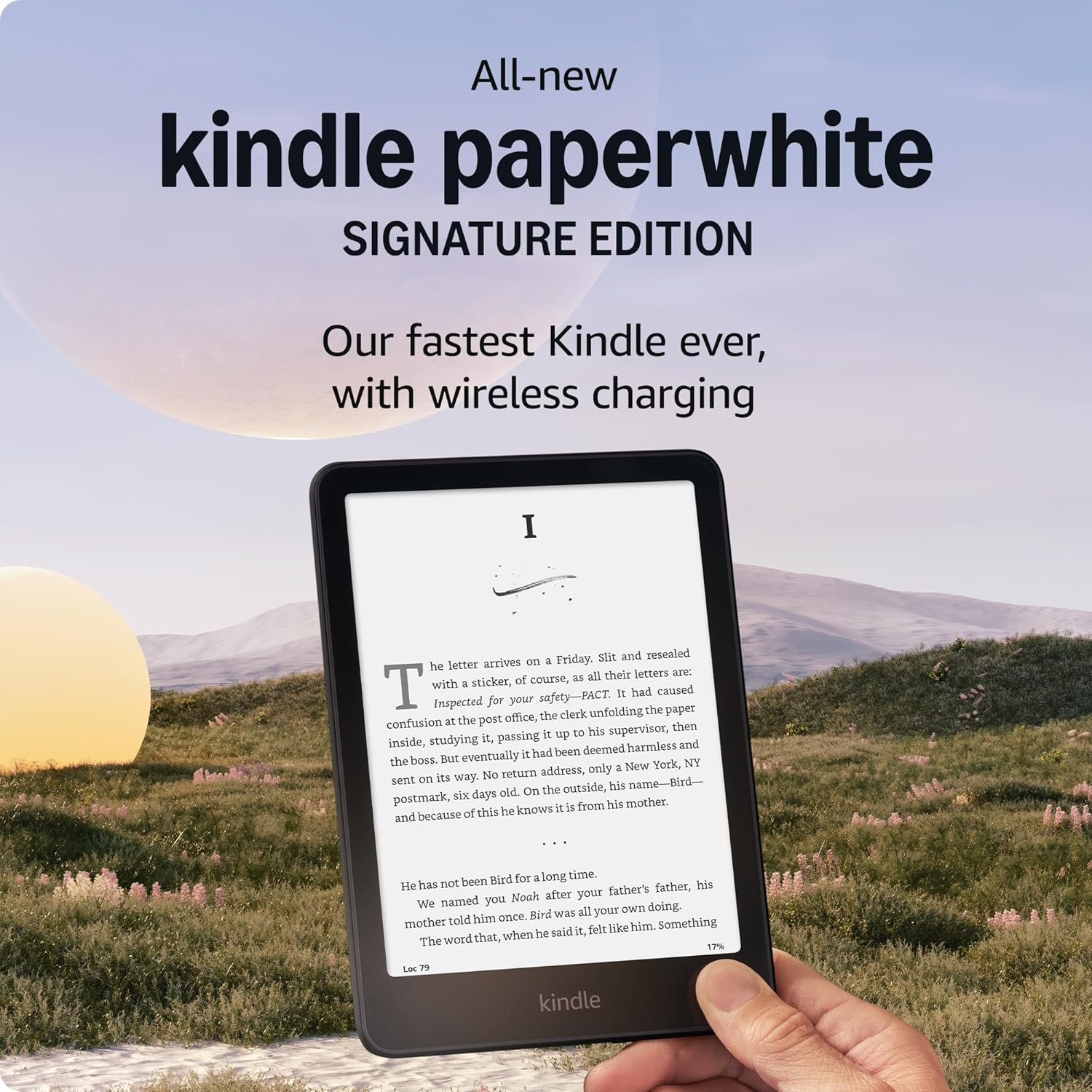
Kindle Paperwhite Signature Edition
The ultimate Libby companion. Use the “Send to Kindle” feature to read library books on a glare-free screen with weeks of battery life.
Check Price on AmazonDeep Dive: Hoopla (The Netflix of Libraries)
Hoopla feels less like a quiet library and more like a streaming service. Because it includes movies, TV shows, and music albums, the interface is more “media-centric.” It is the king of instant gratification.
The Pros:
- Zero Wait Times: If you see it, you can borrow it immediately. Perfect for book clubs where everyone needs the book at once.
- Comics & Graphic Novels: Their “Action View” technology makes reading comics on a tablet incredible.
- BingePass: A new feature where one borrow gives you unlimited access to a collection (like “The Great Courses” or “Curiosity Stream”) for 7 days.
The Cons:
- The Monthly Cap: Once you use your 5 (or 10) borrows, you are cut off until the 1st of the next month.
- Fewer New Releases: Publishers often delay releasing brand new blockbusters to the “Cost Per Circ” model because they make less money.
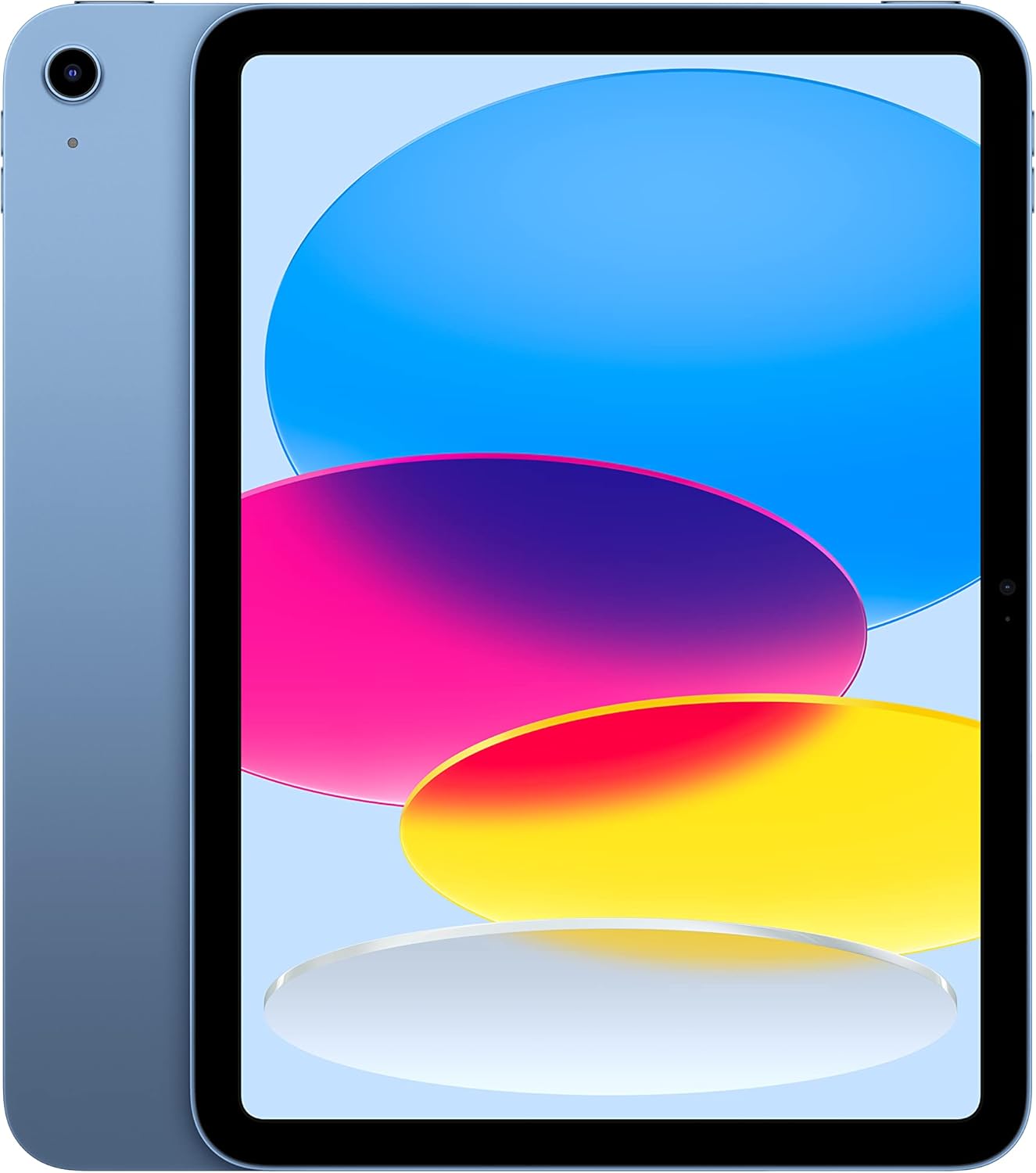
Apple iPad (10th Generation)
To enjoy Hoopla’s full potential (color comics, movies, and magazines), you need a vibrant tablet screen.
Check Price on AmazonThe Kindle Factor: The Major Dealbreaker
For many digital readers, this is the only section that matters. Do these apps work with e-ink Kindles (like the Paperwhite or Oasis)?
Libby: YES (US Only). When you borrow a book in Libby, you can click “Read With Kindle.” It redirects you to Amazon, where you claim the loan, and it wirelessly delivers to your e-reader.
Hoopla: NO. Hoopla titles are locked inside the Hoopla app due to their licensing agreements. You cannot send them to an e-ink Kindle. You must read them on a phone, tablet, or a Kindle Fire (which runs the Android app).
Content & Catalog Size
Because libraries curate Libby manually, the selection varies wildly from town to town. A rich library system (like NYPL or LA County) will have a massive Libby catalog. A rural library might have a tiny one.
Hoopla, however, has a “national” catalog. While libraries can filter out expensive items, the base catalog is generally the same for everyone. This makes Hoopla an amazing resource for backlist titles, obscure sci-fi, and niche non-fiction that local librarians might not think to buy individually.
Final Verdict: Which to Use?
The truth is, you shouldn’t choose. You should use both.
Use Libby for:
– New releases and bestsellers.
– Reading on your Kindle Paperwhite.
– Your primary “TBR” (To Be Read) list.
Use Hoopla for:
– Audiobooks when the Libby waitlist is too long.
– Comics, Graphic Novels, and Music.
– “Emergency” reads when you finish a book and need a new one instantly.
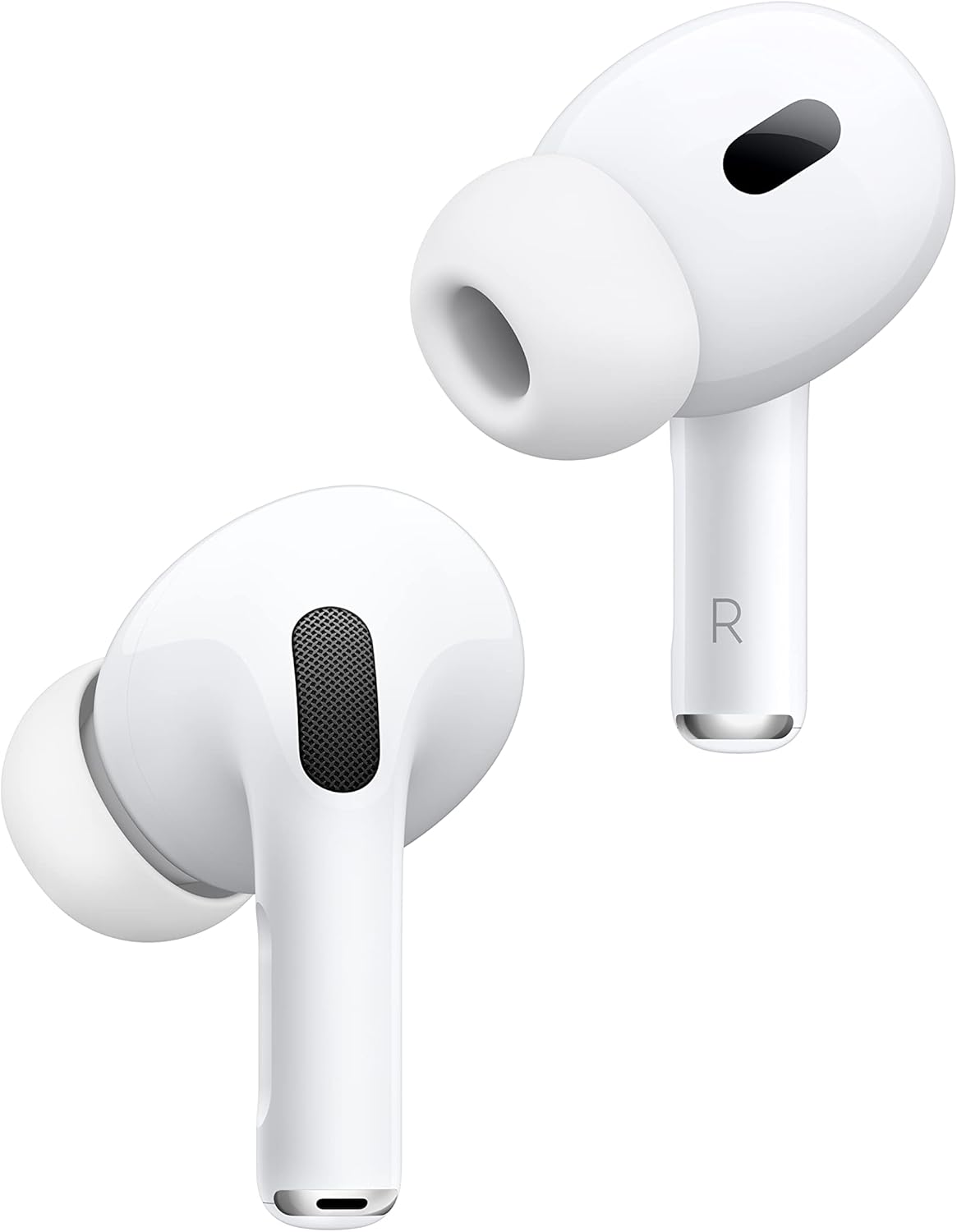
Apple AirPods Pro (2nd Gen)
Whether you choose Libby or Hoopla, you need great audio. These offer seamless switching between devices for your audiobook sessions.
Check Price on Amazon