Kobo vs. Kindle: Which E-Reader Ecosystem Wins in 2026?
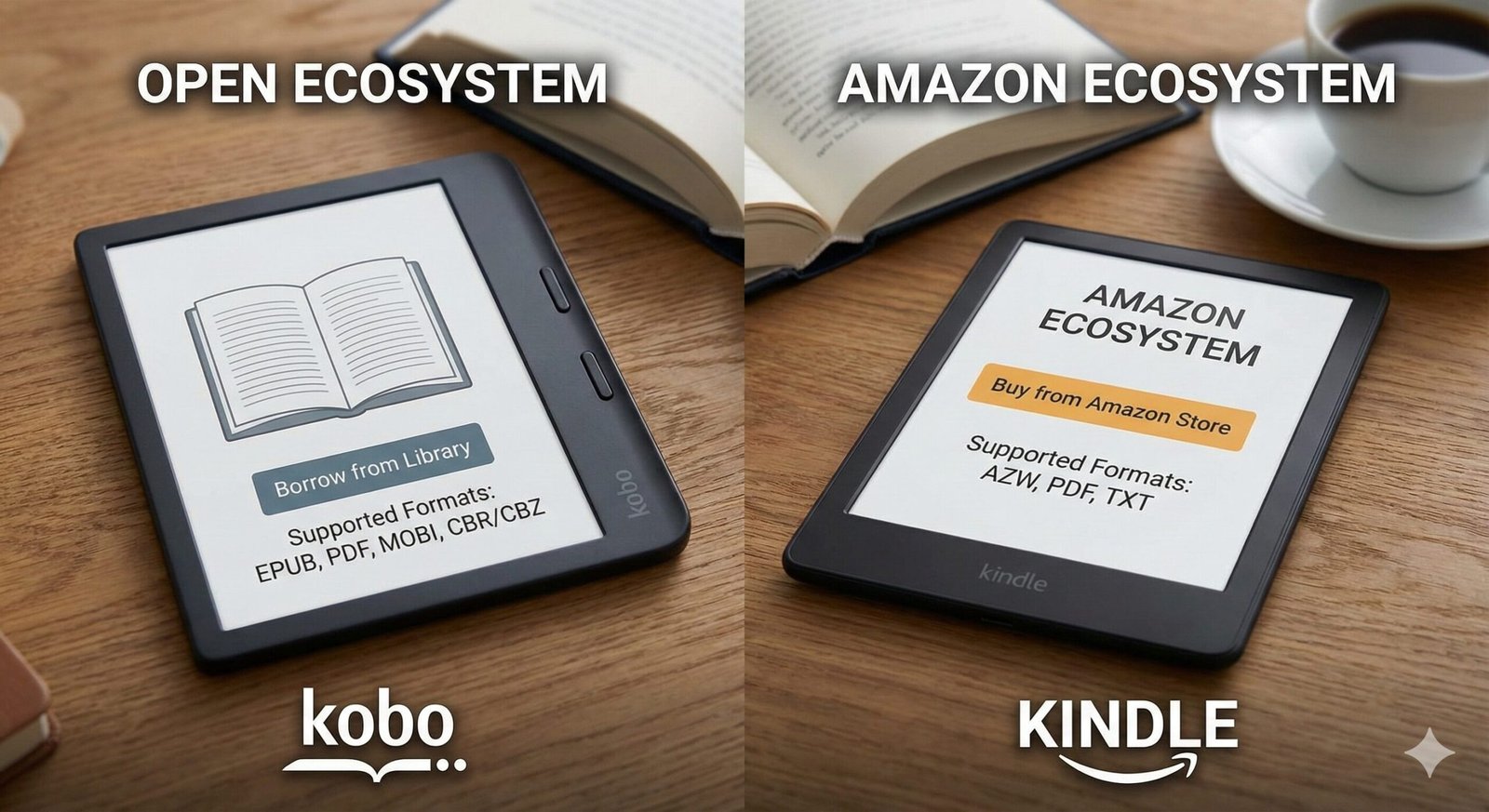
For over a decade, choosing an e-reader was simple: you bought a Kindle. Amazon’s dominance was absolute. But in 2026, the narrative has shifted. Kobo (owned by Rakuten) has quietly built a loyal following by offering everything Amazon refuses to: wide format support, direct library integration, and a distinct lack of intrusive ads.
Choosing between Kobo and Kindle isn’t just about hardware specs; it’s about choosing a philosophy. Do you want the seamless, polished convenience of Amazon’s massive ecosystem? Or do you prioritize ownership, freedom from DRM, and supporting local libraries?
In this definitive guide, we pit the two giants against each other. We’ll analyze the new Kindle Colorsoft against the Kobo Libra Colour, break down the file format wars (EPUB vs. AZW3), and help you decide which device deserves a spot in your bag.
Quick Comparison Chart
Here is how the two ecosystems stack up at a glance:
| Feature | Amazon Kindle | Rakuten Kobo |
|---|---|---|
| Native File Support | AZW3, KFX (MOBI deprecated) | EPUB, PDF, CBZ, CBR |
| Library Borrowing | Via Libby App (US Only) | Direct Integration (Global) |
| Audiobooks | Audible (Bluetooth) | Kobo Audiobooks (Bluetooth) |
| Interface | Polished, Ad-Supported | Clean, Minimalist, No Ads |
| Color Screen | Kindle Colorsoft (New) | Libra Colour / Clara Colour |
| Waterproofing | IPX8 (Paperwhite & above) | IPX8 (Libra, Sage, Clara) |
Ecosystem: Walled Garden vs. Open Roads
Kindle is the Apple of e-readers. It is designed to be a friction-less funnel for the Kindle Store. Buying books is instant, syncing across devices (Whispersync) is magical, and Kindle Unlimited offers a buffet of reading. However, it is a “walled garden.” You cannot easily move your Kindle books to other devices, and reading non-Amazon books requires conversion or the “Send to Kindle” email feature.
Kobo is the open-source champion. While they have their own store, they embrace the sideloading community. If you buy DRM-free ebooks from Humble Bundle, Tor.com, or author websites, you can drag and drop them onto a Kobo effortlessly. Kobo doesn’t care where you got your book; it just wants to help you read it.
File Formats: The EPUB Battle
This is the biggest technical differentiator. EPUB is the global standard for ebooks. Every bookstore outside of Amazon uses it.
Kobo reads EPUB natively. You drag a file over, and it works perfectly with cover art and formatting intact.
Kindle does not read EPUB natively. While Amazon now allows you to “Send to Kindle” an EPUB file via email, their servers actually convert it to their proprietary format (AZW3 or KFX) before it lands on your device. This conversion process can sometimes break formatting or cover art. If you have a massive library of existing EPUB files, Kobo is the vastly superior choice.
Library Support: OverDrive vs. Libby
Kobo has OverDrive built directly into the device. You log in with your library card once, and you can browse, borrow, and return library books directly from the Kobo store interface. It feels exactly like buying a book, but it’s free. This works in many countries, including the US, UK, Canada, Australia, and New Zealand.
Kindle library support is clunkier and US-only. To read a library book, you must browse on your phone via the Libby app, click “Send to Kindle,” log into your Amazon account, and select your device. It works, but it requires a second device. If you live outside the US, Kindle has zero library support.

Kobo Libra Colour
The best e-reader for library lovers. Features a vivid 7″ color E Ink screen, physical page-turn buttons, and direct OverDrive integration.
Check Price on AmazonHardware Showdown: Color & Buttons
In 2026, color E Ink has finally arrived mainstream.
- Kobo beat Amazon to the punch with the Libra Colour and Clara Colour. These devices use Kaleido 3 technology to display book covers and highlights in soft, pastel colors. They also kept physical page-turn buttons on the Libra model, a feature avid readers adore for one-handed reading.
- Amazon responded with the Kindle Colorsoft. While the color technology is similar, Amazon notoriously reserves physical buttons for its ultra-premium (and expensive) Kindle Oasis (now largely replaced by the Scribe). Most Kindles are touch-screen only.
If you prefer physical buttons, Kobo is the clear winner on price and ergonomics.
Audiobook Support
Both devices allow you to listen to audiobooks via Bluetooth headphones (neither has a headphone jack or speakers).
Kindle integrates with Audible. The interface is slick, and if you own both the ebook and audiobook, you can switch between reading and listening without losing your place (Whispersync). However, you can only listen to Audible books.
Kobo has its own audiobook store. It works well, but you cannot sideload your own MP3/M4B audiobooks easily, nor can you listen to library audiobooks via OverDrive on the device itself. You are locked into the Kobo store for audio.

Kindle Paperwhite (Signature Edition)
The king of the ecosystem. Wireless charging, auto-adjusting light, and seamless Audible integration make this the best choice for Amazon Prime members.
Check Price on AmazonFinal Verdict: Which One Should You Buy?
Buy a Kindle If:
- You are already deep in the Amazon ecosystem (Prime, Audible).
- You live in the US and don’t mind using your phone to borrow library books.
- You want the smoothest, simplest experience and don’t care about file formats.
- You want Kindle Unlimited for binge-reading.
Buy a Kobo If:
- You want to borrow library books directly on the device (especially non-US users).
- You want physical page-turn buttons without spending $300+.
- You have a collection of EPUB files you want to read easily.
- You prefer a UI that isn’t trying to sell you something on every screen.