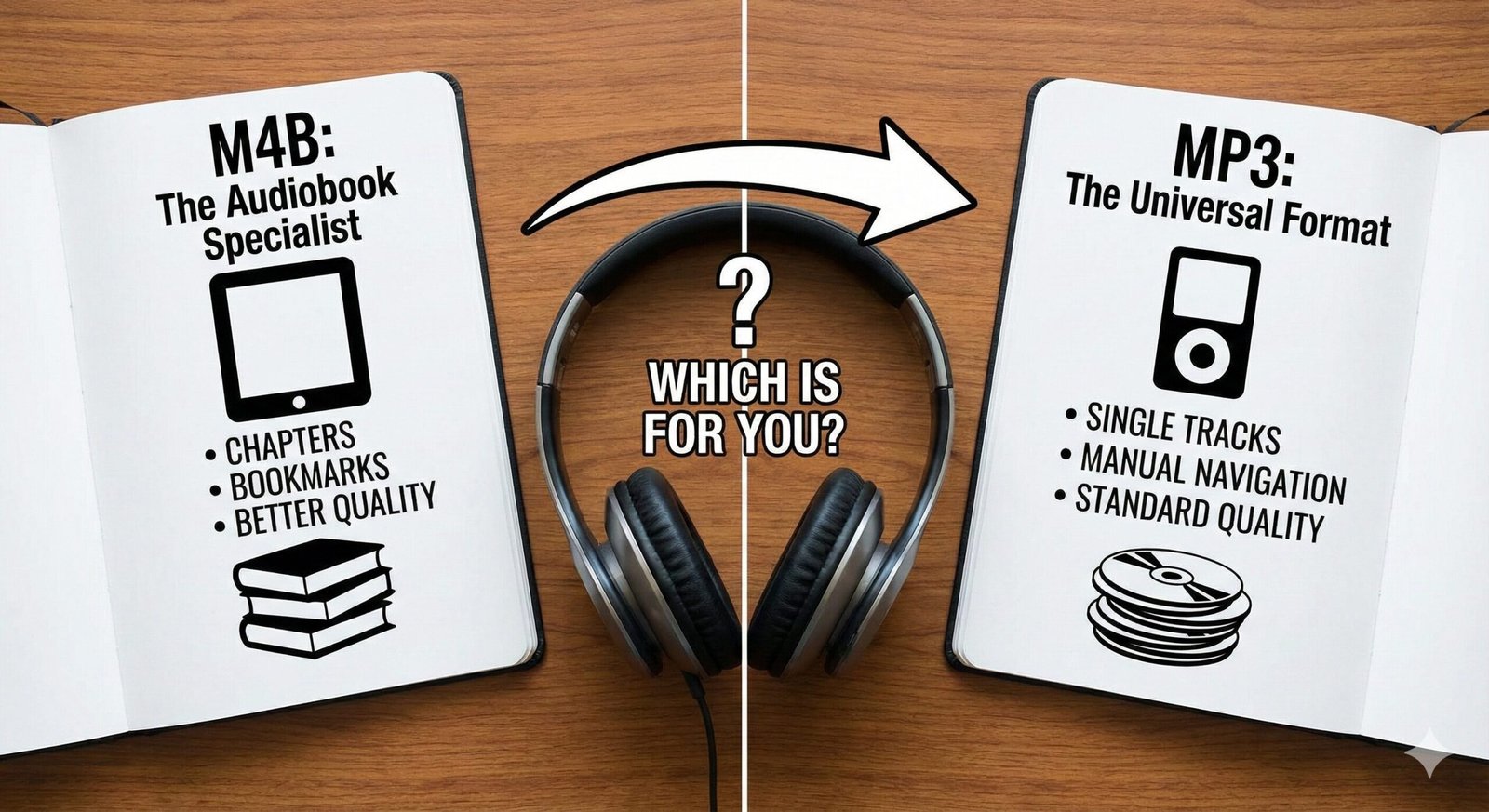
M4B vs MP3: Which Format is Best for Your Audiobooks?
You’ve downloaded a classic audiobook, ready to dive into a new world, only to find your player doesn’t recognize the chapters, or worse, treats a 10-hour book like a single, unnavigable music track. This is often the result of choosing the wrong file format. When it comes to digital audiobooks, two formats dominate the landscape: M4B and MP3.
While MP3 is the household name for music, M4B is the specialized powerhouse designed specifically for the unique needs of audiobook listeners. Understanding the difference between these two can save you storage space, improve sound quality, and make navigating your best audiobooks under 3 hours (or 30 hours!) significantly easier.
What is MP3? (The Universal Standard)
MP3 (MPEG-1 Audio Layer 3) is the most widely recognized audio format in the world. Developed in the early 90s, it revolutionized digital audio by compressing sound data into small files.
For audiobooks, MP3 is a “good enough” solution. Its primary strength is universal compatibility. Whether you have a 10-year-old car stereo, a cheap generic MP3 player, or a brand new Android phone, it will play an MP3 file without complaint. However, MP3 was designed for music tracks, typically 3-5 minutes long, not 20-hour narratives.
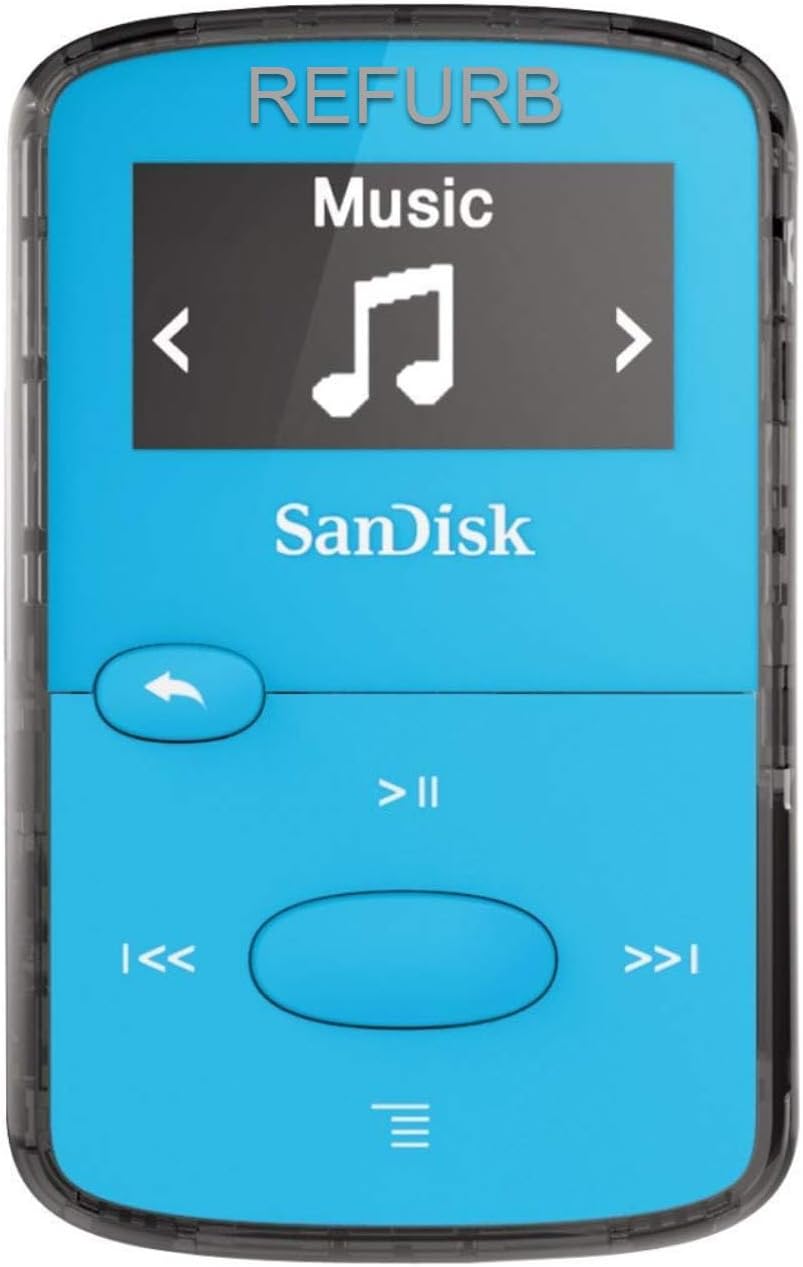
SanDisk Clip Jam MP3 Player
Need a distraction-free listening device? The SanDisk Clip is the king of MP3 players—perfect for gym sessions where you don’t want your phone.
Check Price on AmazonWhat is M4B? (The Audiobook Specialist)
M4B is a file extension for the MPEG-4 container format, typically encoded with AAC (Advanced Audio Coding). While MP3 is a generalist, M4B is a specialist. It was popularized by Apple (iTunes and Apple Books) specifically for audiobooks and podcasts.
The “B” in M4B essentially stands for “Book.” Its superpower lies in its ability to hold extra metadata that MP3s simply can’t handle well—specifically chapter markers and bookmarks within a single file. This means you can have one file for an entire book, yet still skip between chapters easily.
Key Differences: M4B vs MP3
Let’s break down the technical differences that affect your listening experience.
| Feature | M4B (AAC) | MP3 |
|---|---|---|
| File Structure | Single file with internal chapters | Multiple split files (one per chapter) |
| Sound Quality | Better quality at lower bitrates | Requires higher bitrate for same quality |
| Bookmarking | Native support (remembers position) | Player dependent (often forgets position) |
| Compatibility | High (Apple devices), Moderate (Android/PC) | Universal (Plays on everything) |
The Bookmark Factor: Why M4B Wins
Imagine reading a physical book, but every time you close it, your bookmark falls out. That is often the experience of listening to long MP3s on basic players. You lose your spot.
M4B files solve this. Because the chapter data is embedded in the file itself, you can have a single 15-hour file for “The Hobbit.” You can skip from Chapter 1 to Chapter 5 instantly. Your player treats it as a navigable book.
To achieve this with MP3, you typically have to split the book into 50 separate files (e.g., `01_Chapter1.mp3`, `02_Chapter2.mp3`). This clutters your library and makes “shuffling” a disaster if you accidentally hit the wrong button.
Compatibility & Devices
The Apple Ecosystem: M4B is the native language of Apple. If you use an iPhone, iPad, or Mac, M4B files will automatically open in Apple Books with all chapter features intact.
Android & PC: Historically, M4B was tricky on non-Apple devices. However, modern apps like Smart Audiobook Player (Android) or VLC Media Player (PC) now handle M4B files perfectly, including chapter navigation. If you find a player that refuses to play an M4B file, you can often simply rename the file extension from `.m4b` to `.m4a` to trick the player into treating it as standard audio.
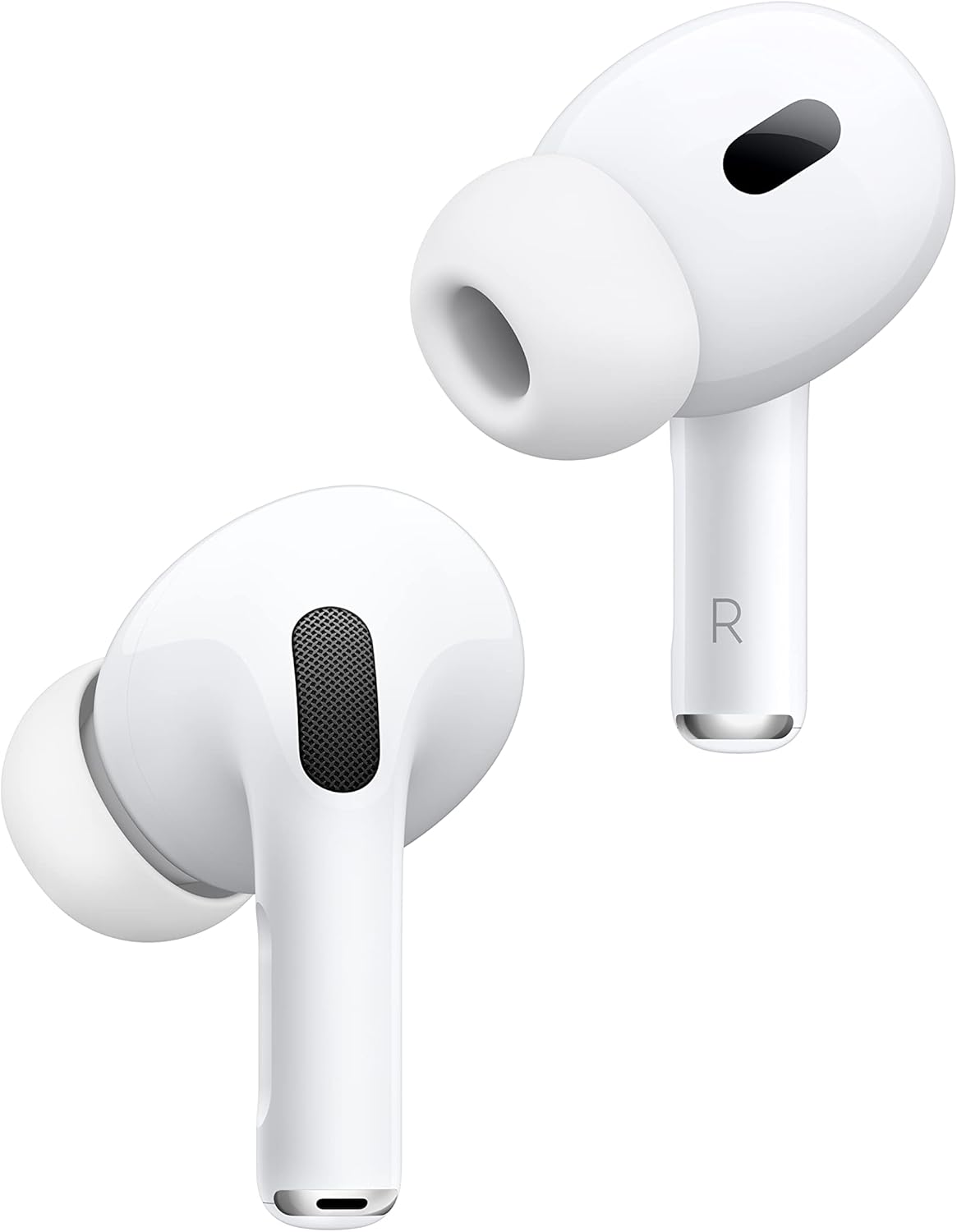
Apple AirPods Pro (2nd Gen)
Experience the superior AAC audio quality of M4B files with headphones designed for the format. Seamless switching makes listening effortless.
Check Price on AmazonVerdict: Which One Should You Use?
Choose M4B if:
- You use Apple devices (iPhone, iPad, Mac).
- You want a tidy library (1 file per book, not 50).
- You need chapter navigation.
- You care about storage space (AAC compresses better than MP3).
Choose MP3 if:
- You use legacy devices (old car stereos, old MP3 players).
- You are sharing files with non-tech-savvy friends who might get confused by “M4B”.
- You prefer managing files in folders rather than relying on metadata tags.